![Adcore-_White_Logo.png]](https://help.adcore.com/hs-fs/hubfs/Adcore-_White_Logo.png?height=28&name=Adcore-_White_Logo.png)
You can add conditions for each action, so the action will be applied only when there is a certain condition.
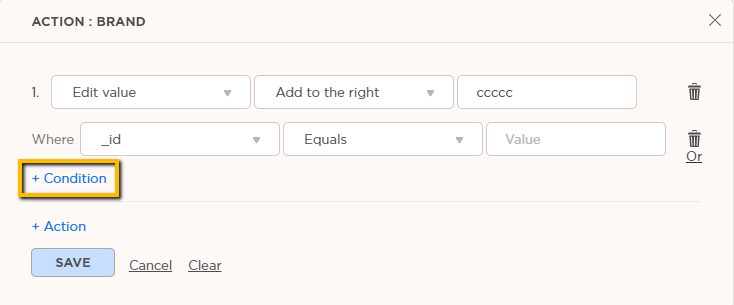
Type of Conditions
- Equals or Does Not Equal - Enter an exact value to be included or excluded.
- Begins With, Ends With, Contains, or Does Not Contain - Enter a value from the text.
- Value List - Enter bulk exact values.
- Length Expression – For text field, you can set the length with >= < ( [brand] < 10).
- Seasonality - Seasonal monthly range. For example, filter items between May- November (Or the opposite – hide items between those months).
- Words/Characters Length - Keep field with a certain limit of words or characters.
Combining Conditions
And – The action will be executed on cells where ALL conditions apply.
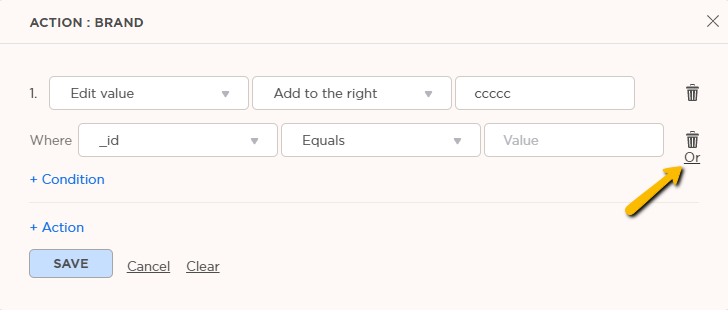
Or – The actions will be executed on cells where some of the conditions apply.
*switch between And/Or by clicking on it