![Adcore-_White_Logo.png]](https://help.adcore.com/hs-fs/hubfs/Adcore-_White_Logo.png?height=28&name=Adcore-_White_Logo.png)
There 2 options that allow opening your feed in Excel:
The first option: copy your feed URL (the default format is CSV)
- Copy URL:

- Paste the link into any browser;
- Right click your mouse and press “save as”;
- Give your file a desired name and save it with “.CSV” ending;
- Open it as a regular excel sheet.
The second option: Copy-paste the feed URL as CSV, as described above.
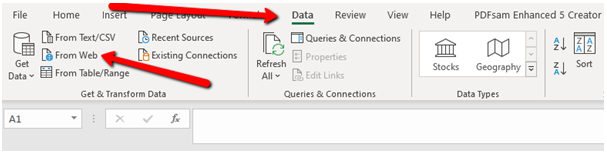
Open Excel. Go to Data > From Web:
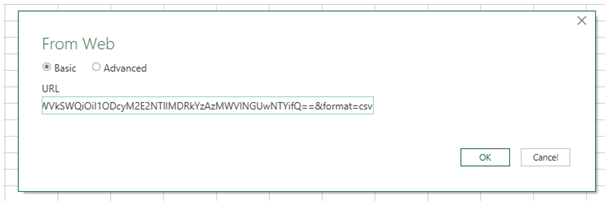
Drop your URL from EM. Click Ok:
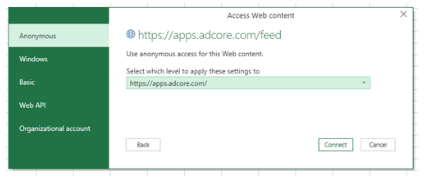
Choose Connect:
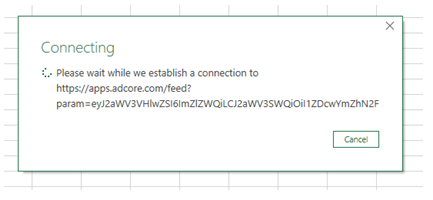
Wait while its connecting:
Click Load:
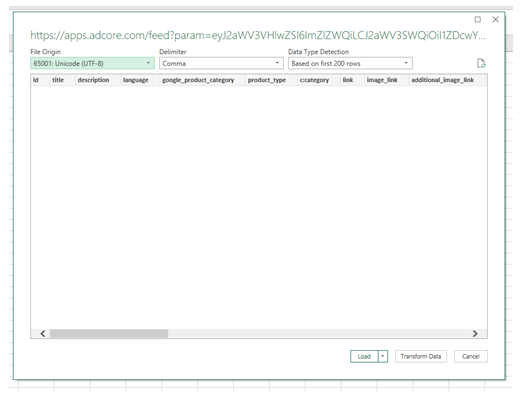
And your feed should open in the excel sheet.