![Adcore-_White_Logo.png]](https://help.adcore.com/hs-fs/hubfs/Adcore-_White_Logo.png?height=28&name=Adcore-_White_Logo.png)
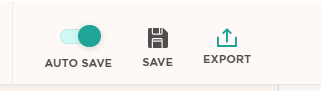
To export you feed version, click on the “Export” icon located at the top toolbar or the left menu
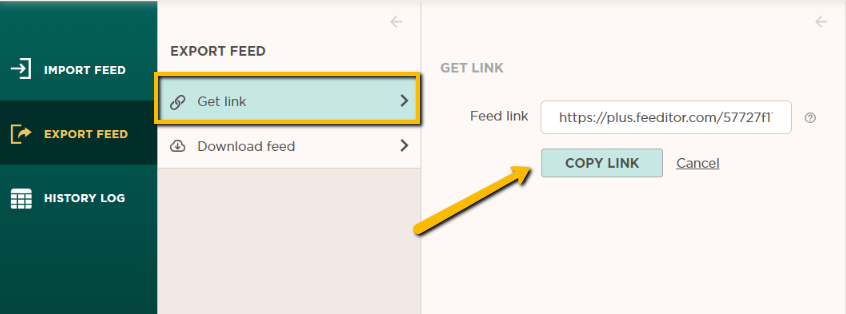
Then, select “Get link” > “Copy link”
Paste the link into the advertising channels of your choice.
To export you feed version, click on the “Export” icon located at the top toolbar or the left menu
Then, select “Get link” > “Copy link”
Paste the link into the advertising channels of your choice.